Providers
Local models
Run Ollama, LM Studio or llama.cpp models through the bundled OpenCode harness.
Local models run through a bundled, pinned OpenCode harness — no account, no quota, nothing leaves your Mac. Point it at whatever serves an OpenAI-compatible endpoint: Ollama, LM Studio, or a llama.cpp server.
Run a model server
Ollama is the quickest path:
brew install ollama && ollama serveThen pull a coding-capable modelollama pull qwen3:14bEnable Local in Synergoi
Open Settings › Providers › Local models, choose the runtime, and pick the model from the list Synergoi reads from the server.
Pick it in the composer
The provider pill lists your local models next to the cloud ones. Everything else — worktrees, approvals, Changes — works the same.
Context size matters
Agentic work needs room. Synergoi reads the model's real context window from the server and marks anything under 16k tokens as unfit for agent turns; you can still send, with a warning. 32k or more is comfortable for most repos.
What Synergoi turns off in OpenCode
To keep a local model on task the harness runs with OpenCode's automatic titling, summaries and compaction disabled, and with permissions set to ask so the app's broker stays in charge. If you want a different OpenCode build, set SYNERGOI_OPENCODE_BIN to its path before launching the app.
npm install -g opencode-ai # or: brew install anomalyco/tap/opencode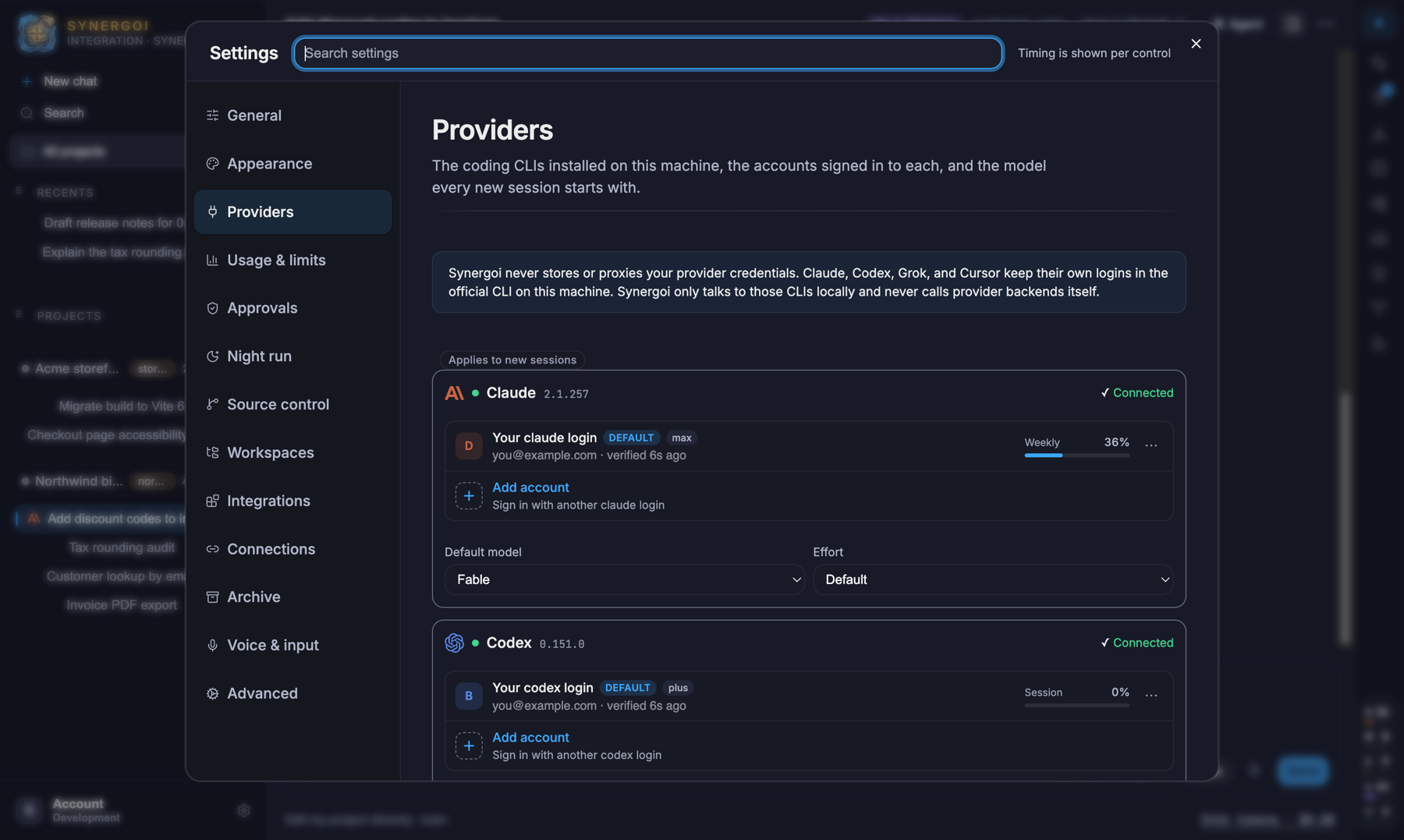
Something wrong or missing on this page? Email [email protected].